Watch the full breakdown and tutorials of Anthropic's workflow to learn how to integrate these architectural prompting files directly into your daily routine:

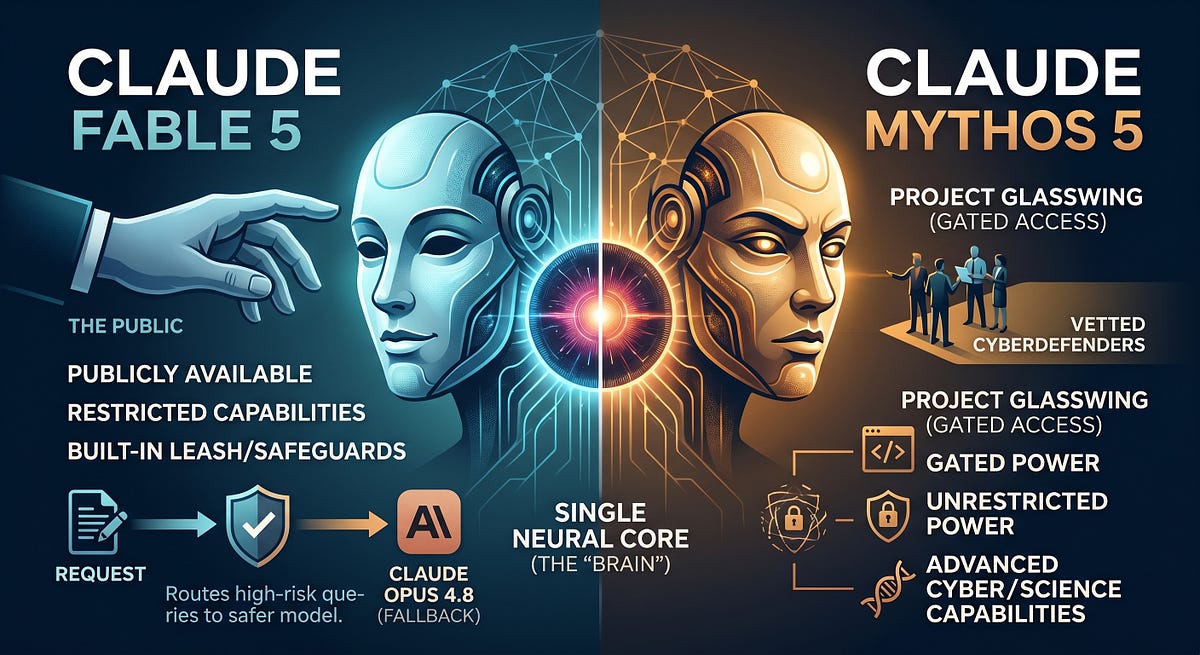
The viral Anthropic workshop completely shifts how users interact with the model, moving away from writing traditional, one-off prompts and instead focusing on system-level "skills" and persistent codebase memory. [1, 2]
The core takeaway from the tutorial is that you should stop rewriting complex instructions every time you start a new chat. Instead, you should package your preferences into structured ecosystem files that Claude automatically references. [1, 2, 3]
The core framework taught by Anthropic engineers is detailed below.
1. Shift from Custom Prompts to "Skills"
Instead of writing a massive prompt explaining your voice, constraints, and instructions for every single task, you should think in terms of the Skills Layer. [1, 2]
- The Concept: A "skill" is a reusable folder or file that houses packaged procedural knowledge.
- How it Works: You build custom application commands (like
/draft.email). When you activate it, Claude draws the rules directly from that pre-made file, cutting down on conversational repetition and keeping the model tightly on-scope. [1, 2, 3]
The absolute biggest paradigm shift in the workshop is the utilization of a project-level configuration file, commonly called
CLAUDE.md. This file is placed in your root working directory and automatically read into the context window at the start of every session. [1, 2, 3]- Project Context: Lay out the active architecture, technologies, and immutable facts.
- Behavior Rules: Hard-code constraints like "Never take destructive actions without explicit permission" or "Kill filler text forever".
- Style Locking: Define sentence lengths, exact tone preferences, and explicit blacklisted vocabulary words so Claude automatically drafts in your voice. [1, 2, 3]
3. Give Claude a Persistent Memory File [1]
Because large language models naturally suffer from total amnesia between separate chat sessions, the workshop highlights how to instruct Claude to maintain its own continuous memory logs. [1]
- The Continuity Loop: Force Claude to read a designated local memory file at the start of a workflow and physically rewrite/update that same file at the conclusion of a session. [1, 2]
- Log Failure Points: Instruct Claude to write down exactly what didn't work during a troubleshooting session. This prevents the model from hitting a wall and looping back into the exact same dead-end errors in future chats. [1, 2]
4. Keep the System Instruction Light [1]
For developers and users running agentic workflows (where Claude uses terminal tools, file editors, or APIs in a continuous loop), Anthropic explicitly warns against over-prompting. [1, 2]
- Give the agent a crystal-clear end objective and the necessary tools.
- Avoid over-specifying every micro-step.
- Let Claude's native reasoning loop dynamically evaluate tool feedback to handle error recovery natively. [1]


Trending posts and discussions





No comments:
Post a Comment